
300 DPI in Pixels
Converting 300 DPI to pixels needs one more number. 300 DPI means 300 pixels for every inch of the finished print, so on its own it is a rate rather than a pixel count — it becomes one when you fix a physical size.
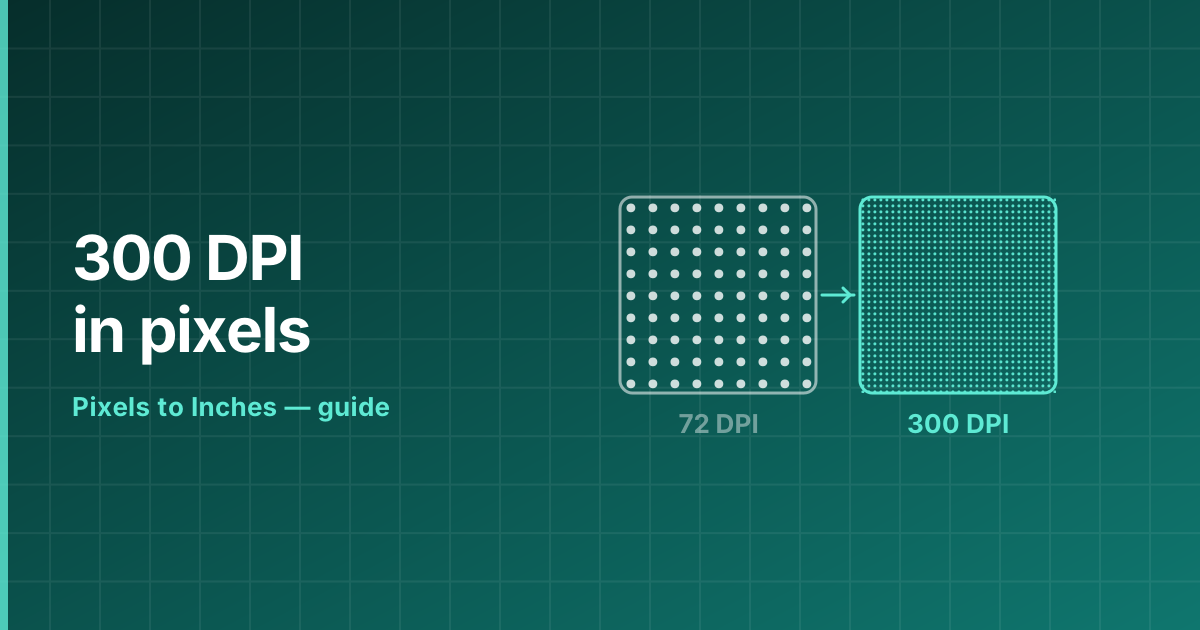
What 300 DPI actually means
300 DPI describes a density, so the pixel count depends entirely on how large the print is. Across 4 inches it is 1200 pixels; across 8.5 inches it is 2550; across 24 inches it is 7200.
The formula never changes: pixels = inches × 300. Reverse it to find out what an existing file can print at: inches = pixels ÷ 300.
What that density looks like
One inch square at 96 PPI
96 × 96 = 9,216 pixels fill this square.
Why 300 became the standard
The human eye resolves roughly one arcminute of detail. At a normal reading distance of about 30 cm, that works out at somewhere between 250 and 300 pixels per inch — beyond which extra resolution stops being visible.
Commercial presses settled on 300 PPI as the working figure because it clears that threshold with a small margin, and because it maps neatly onto the 150 line-per-inch screens used in offset printing.
When 300 DPI is the wrong choice
For anything viewed at a distance, 300 DPI wastes storage and processing time. A 24 × 36 inch poster at 300 DPI is a 78-megapixel file; the same poster at 150 DPI is 19 megapixels and looks identical from two metres away.
In the other direction, line art, engravings and text scans benefit from 600 DPI or more, because hard edges reveal stepping that continuous-tone photographs hide.
Reference table
| Print size | Pixels at 300 DPI | Megapixels | Pixels at 150 DPI |
|---|---|---|---|
| 4 × 6 in | 1,200 × 1,800 | 2.2 MP | 600 × 900 |
| 5 × 7 in | 1,500 × 2,100 | 3.2 MP | 750 × 1,050 |
| 8 × 10 in | 2,400 × 3,000 | 7.2 MP | 1,200 × 1,500 |
| 8.5 × 11 in (Letter) | 2,550 × 3,300 | 8.4 MP | 1,275 × 1,650 |
| A4 (210 × 297 mm) | 2,480 × 3,508 | 8.7 MP | 1,240 × 1,754 |
| 11 × 17 in | 3,300 × 5,100 | 16.8 MP | 1,650 × 2,550 |
| 18 × 24 in | 5,400 × 7,200 | 38.9 MP | 2,700 × 3,600 |
| 24 × 36 in | 7,200 × 10,800 | 77.8 MP | 3,600 × 5,400 |
Frequently asked questions
How do I convert 300 DPI to pixels?
Multiply 300 by the size in inches. 300 DPI to pixels across 8.5 inches is 2550; across 4 inches it is 1200.
How many pixels is 300 DPI?
300 pixels for every inch of print. Across 8.5 inches that is 2550 pixels; across 4 inches it is 1200.
Is 300 DPI good enough for printing?
Yes — it is the professional standard for photographs, magazines and brochures. Only line art and text scans routinely need more.
How do I make an image 300 DPI?
Either print it smaller, which raises the density without changing a pixel, or start from a file with enough pixels. Changing the DPI field alone only edits a tag.
What is 300 DPI in PPI?
300 PPI. The two units share the same scale; DPI is simply the term printers use.