
Guides and References
Every explainer and step-by-step on this site: what a pixel is, how DPI and PPI differ, and how to change units in Photoshop, Illustrator, Figma, Excel and more.
Concepts and references
What the units mean, where the numbers come from, and the tables worth keeping open.
-
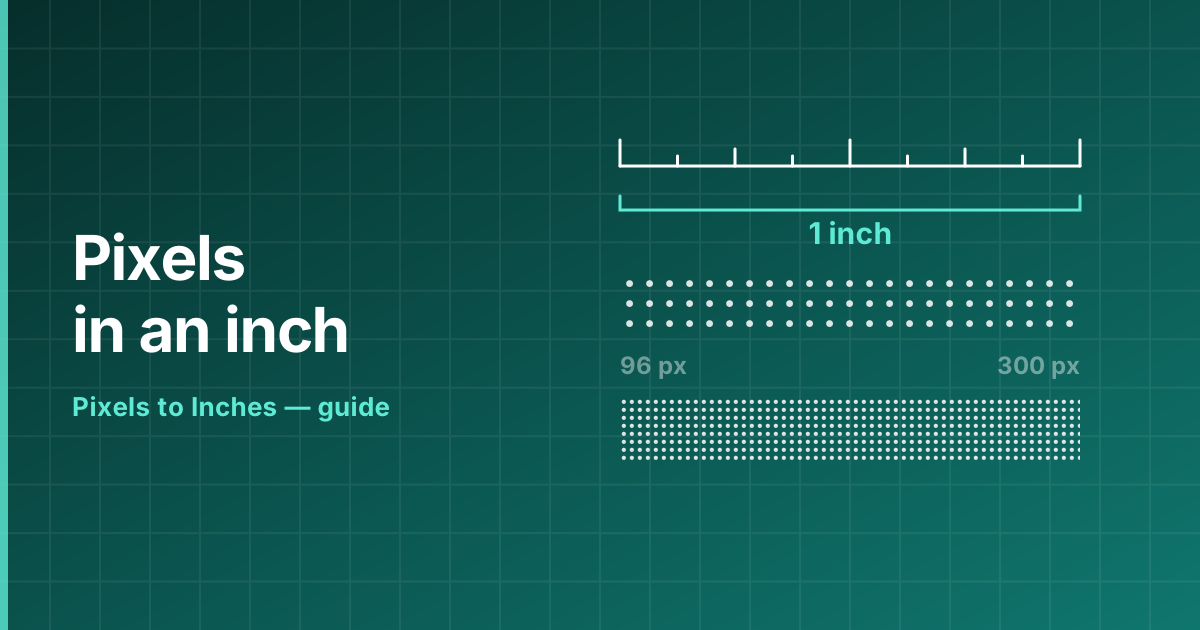 Reference How Many Pixels Are in an Inch? How many pixels are in an inch? 96 on screen, 300 in print, 72 under the legacy standard. The full answer, the formula and a table of every common density.
 -
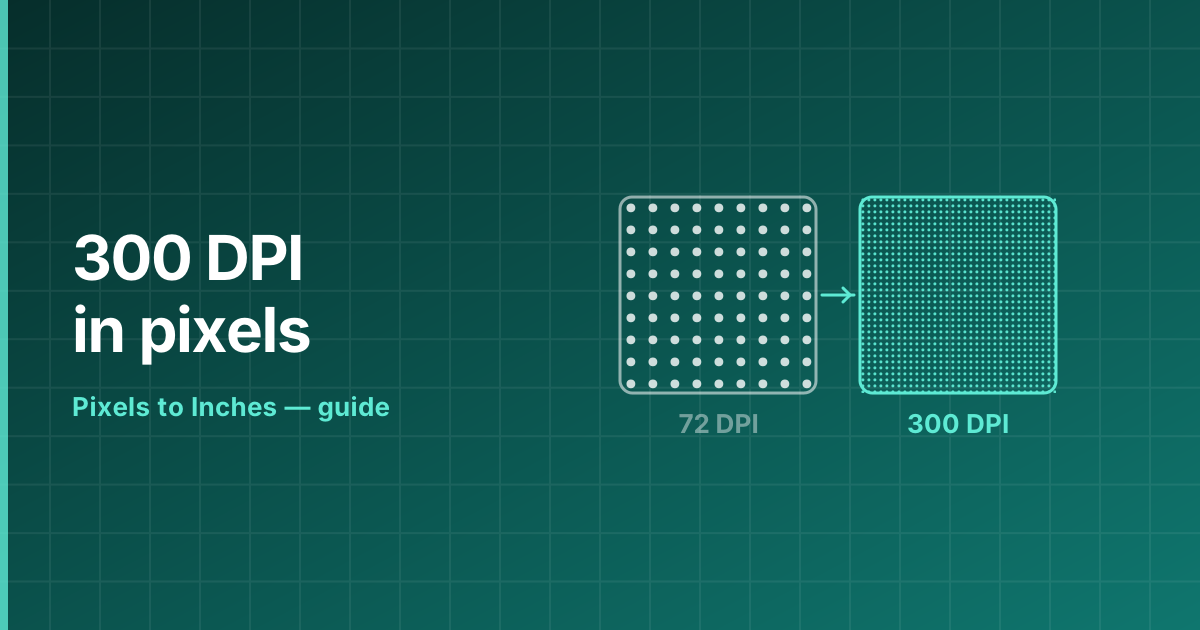 Reference 300 DPI in Pixels What 300 DPI means in pixels for every common print size, why it became the print standard, and when 150 or 600 DPI is the better choice.
 -
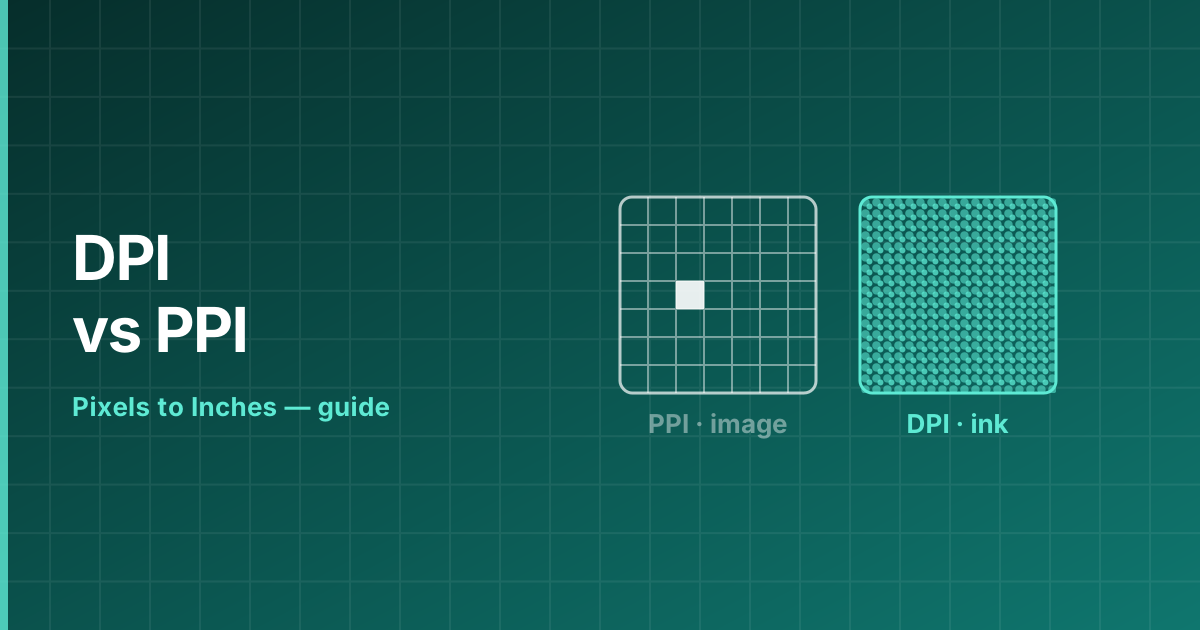 Reference DPI vs PPI DPI counts printer ink dots, PPI counts image pixels. When the difference matters, when it does not, and how to convert between the two.
 -
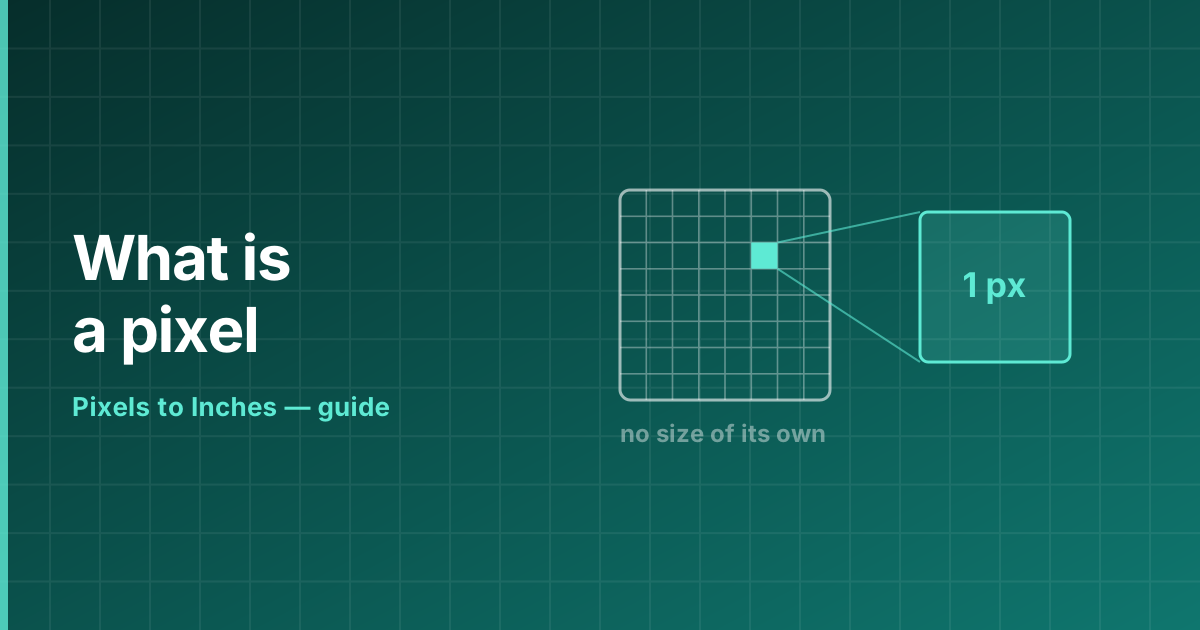 Reference What Is a Pixel? A pixel is the smallest addressable element of a digital image or display. What one is, how big it is, and why the answer depends entirely on the device.
 -
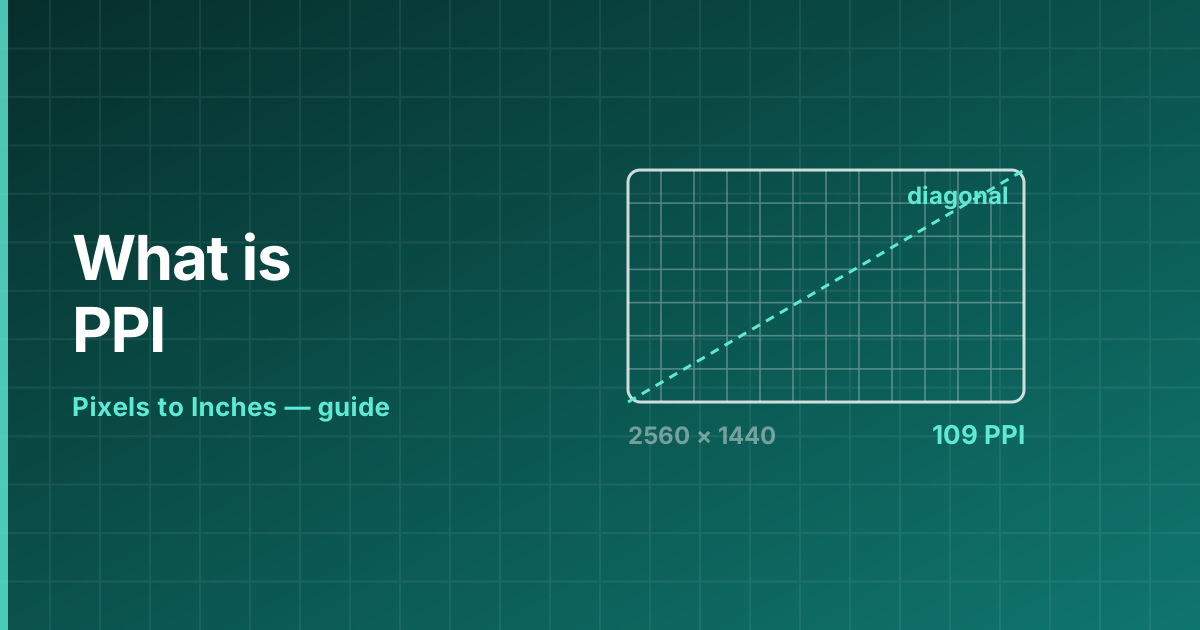 Reference What Is PPI? PPI means pixels per inch — the density that turns a pixel count into a physical size. How it is calculated, what values are typical, and how it differs from resolution.
 -
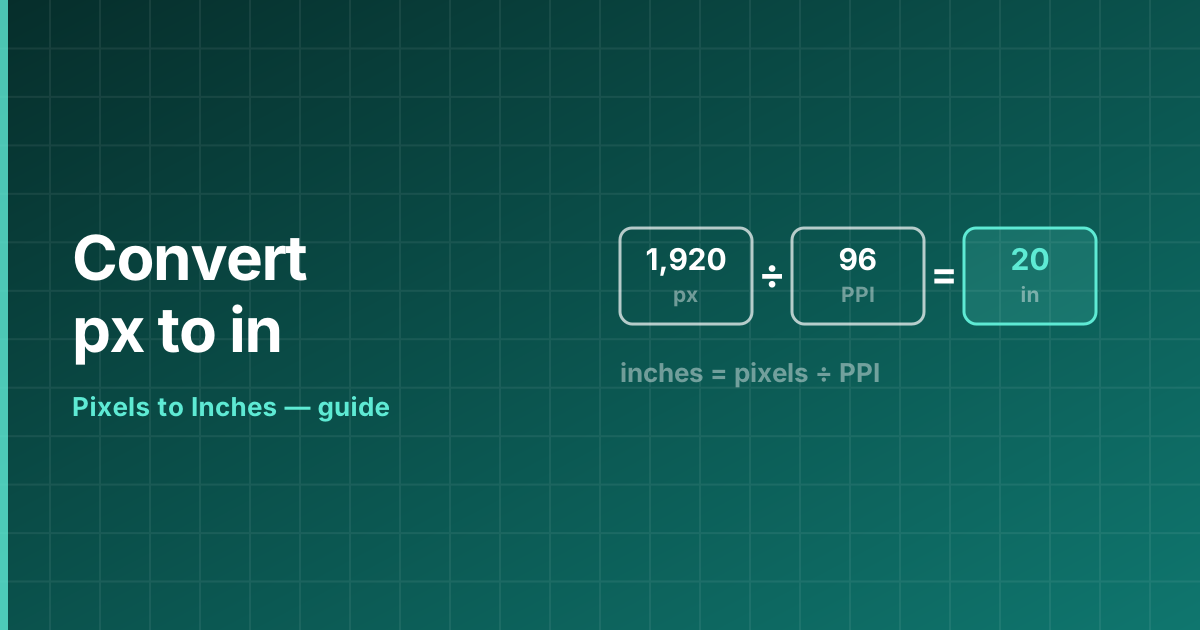 Reference How to Convert Pixels to Inches The pixels to inches formula, worked step by step, with examples at 72, 96 and 300 DPI and the reverse conversion from inches back to pixels.
 -
 Reference Pixels to Inches Chart A full pixels to inches conversion chart at 72, 96, 150, 300 and 600 DPI, with the matching centimetre values and common screen resolutions.
In your software
Where the setting lives, and what it actually changes, application by application.
-
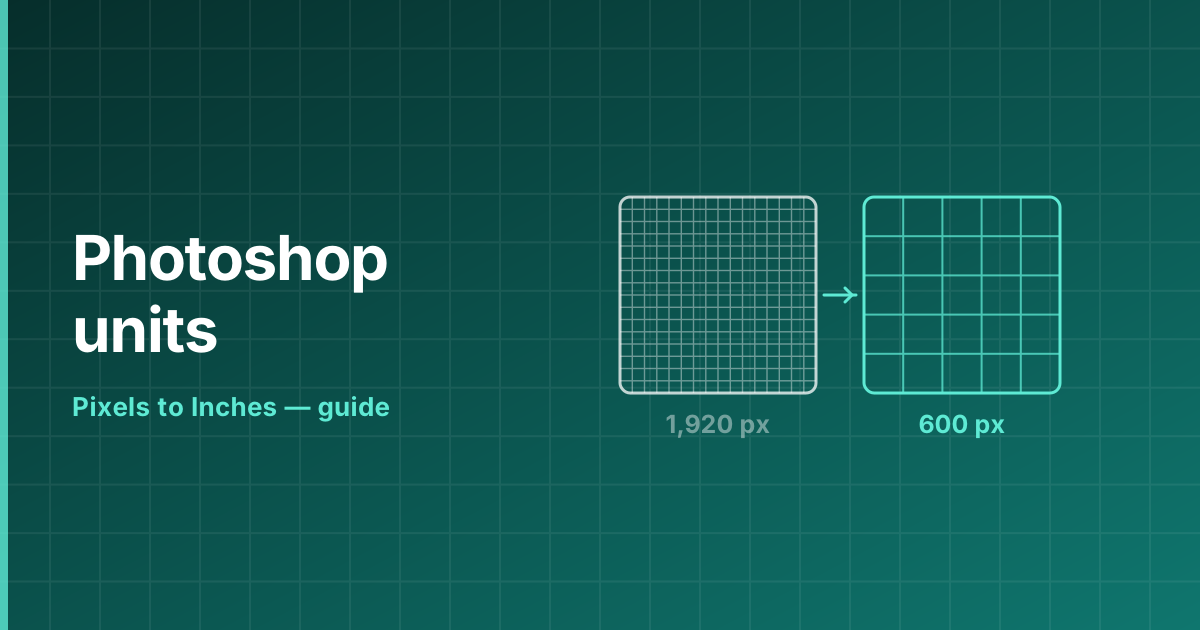 How-to Pixels to Inches in Photoshop Change a Photoshop document from pixels to inches without resampling, set the resolution correctly, and switch the ruler units — step by step.
 -
 How-to Pixels to Inches in Illustrator Switch an Illustrator document between pixels and inches, change the artboard units and set raster effects resolution for print.
 -
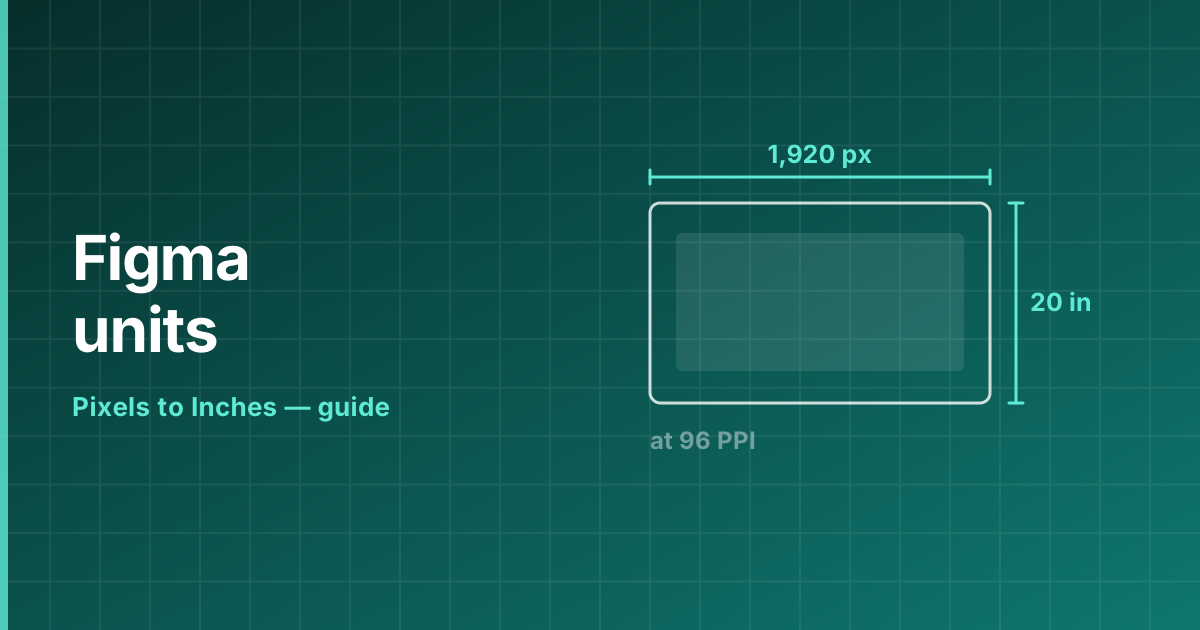 How-to Figma Pixels to Inches Figma works only in pixels. How to size a Figma frame for a printed piece, which density to use, and how to export at the right resolution.
 -
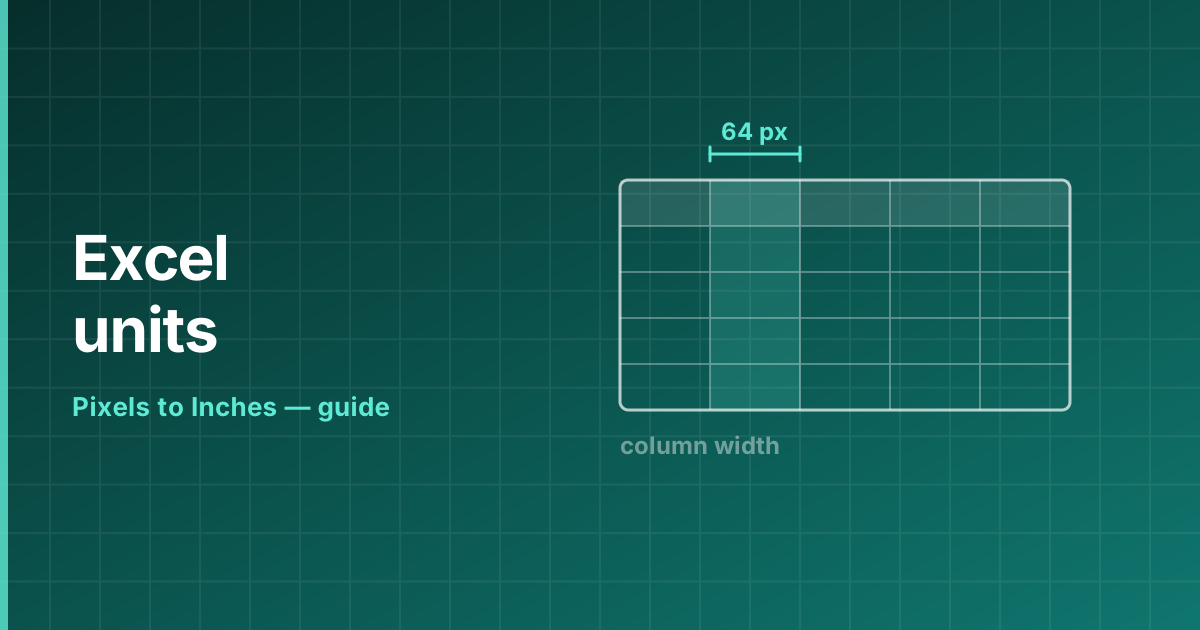 How-to Excel Pixels to Inches Excel measures column width in characters and row height in points, not inches. How the units relate, and how to set an exact size in inches.
 -
 How-to Pixels to Inches in Design Software How to switch between pixels and inches in Canva, InDesign, Procreate, Pixlr, Word, PowerPoint, MS Paint, Google Docs, Slides and Sheets — the setting for each, in one place.
Looking for the blog? The blog carries dated posts — longer pieces with a byline and a publication date. The guides above are undated reference pages that are kept current instead.