
Excel Pixels to Inches
Excel is the awkward one. Column width is counted in characters of the default font, row height in points, and the pixel figure shown while dragging depends on your display scaling.
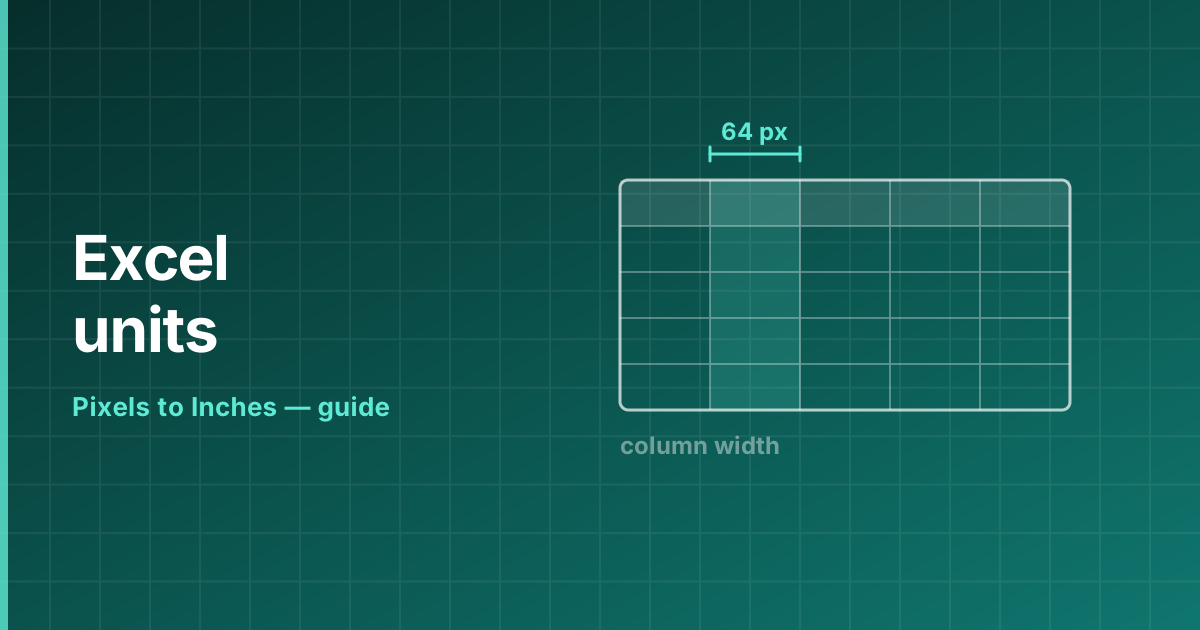
The units Excel actually uses
Three different units are in play at once:
- Column width — the number of characters of the standard font that fit in the cell. The default 8.43 is about 64 pixels at 96 PPI.
- Row height — measured in points. The default 15 points is 20 pixels at 96 PPI, since 1 pt = 1.3333 px.
- The pixel value in the drag tooltip — screen pixels, which shift with display scaling.
Set an exact size in inches
Switch to Page Layout view (View → Page Layout) and Excel changes its rulers and the column width dialog to inches or centimetres, depending on your regional settings. Dragging then gives you a real physical measurement.
To go back, return to Normal view. The stored widths do not change; only how they are displayed.
Converting by hand
At the 96 PPI Windows default, one point is 1.3333 pixels and one inch is 96 pixels or 72 points. A row 45 points tall is 60 pixels, or 0.625 inches.
Column width is harder to convert exactly because it depends on the font. Page Layout view is the reliable route when the size has to be precise.
Frequently asked questions
How do I set column width in inches in Excel?
Switch to Page Layout view, then set the column width — the dialog and rulers use inches in that view.
What is Excel column width measured in?
Characters of the standard font. The default 8.43 corresponds to roughly 64 pixels at 96 PPI.
How do I convert Excel row height to inches?
Row height is in points, so divide by 72. A 45-point row is 0.625 inches.