
Figma Pixels to Inches
Figma has no inches. Every frame is measured in pixels, so print work means converting the physical size into a pixel count before you start.
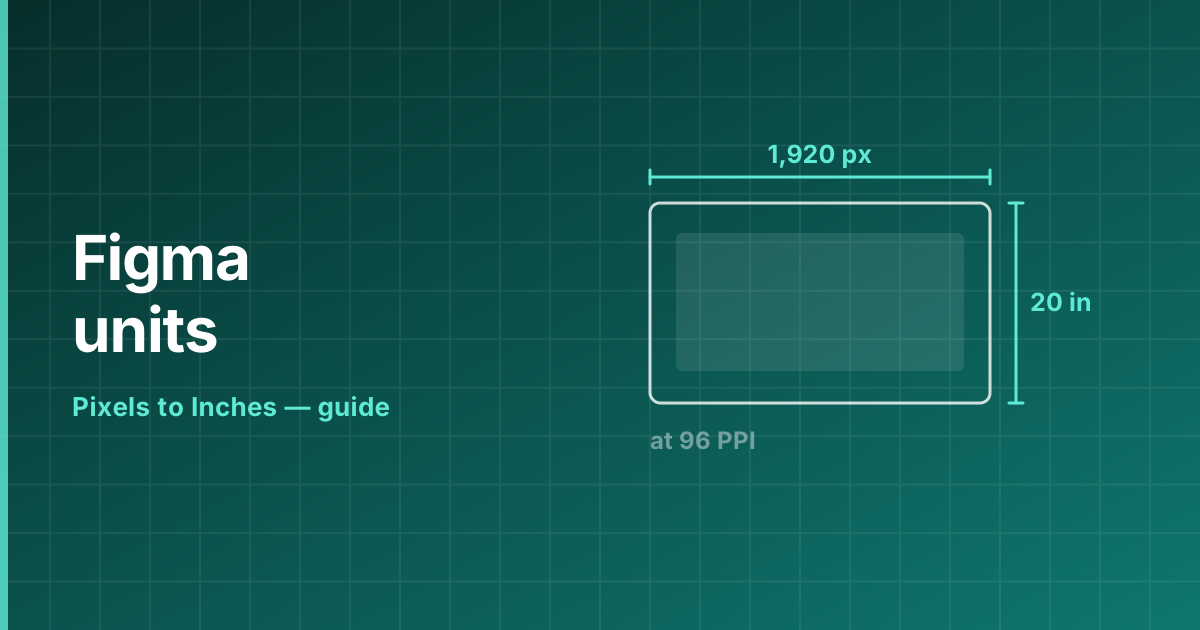
Size a frame for print
Decide the density first, then multiply. At 300 DPI a US Letter page is 8.5 × 300 = 2550 by 11 × 300 = 3300 pixels. Create the frame at 2550 × 3300 and design inside it.
An A4 frame at 300 DPI is 2480 × 3508 pixels. At 150 DPI, halve both numbers.
A simpler alternative: design at 1× and export at 3×
Instead of working on a huge canvas, build the frame at 96 PPI dimensions — 816 × 1056 for US Letter — and export at 3.125× to reach 300 DPI. Text and vectors scale cleanly; only placed bitmaps need to be supplied at full size.
Figma’s export panel accepts arbitrary multipliers, so the exact factor you need is 300 ÷ 96 = 3.125.
Bleed and safe margins
Add bleed in pixels too. 3 mm at 300 DPI is 35 pixels per edge, so a US Letter frame with bleed becomes 2620 × 3370 pixels.
Frequently asked questions
Can Figma work in inches?
No. Figma measures everything in pixels, so you convert the physical size to pixels before creating the frame.
What size frame is A4 in Figma?
2480 × 3508 pixels at 300 DPI, or 1240 × 1754 at 150 DPI.
How do I export a Figma design at 300 DPI?
Either design at full pixel size and export at 1×, or design at 96 PPI dimensions and export at 3.125×.