
What Is PPI?
PPI stands for pixels per inch. It is the bridge between a pixel count and a physical measurement, and without it no pixel value can be expressed in inches.
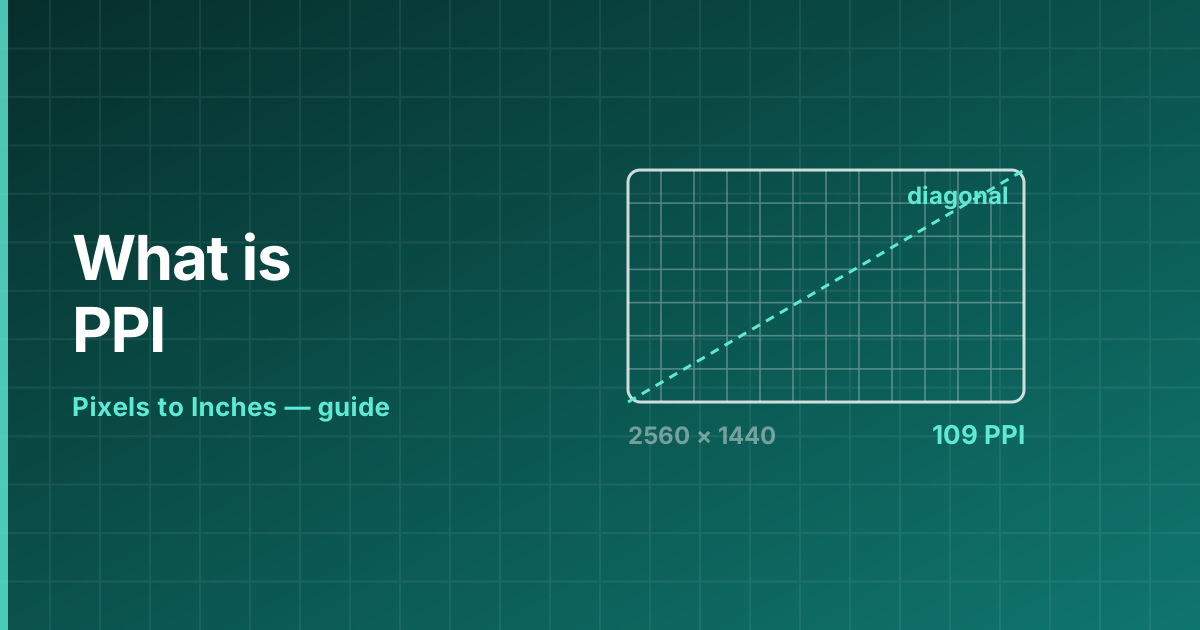
How PPI is calculated
For a print, divide the pixel count by the physical size: PPI = pixels ÷ inches. For a display, the diagonal is used because that is what manufacturers quote: PPI = √(width² + height²) ÷ diagonal.
A 27-inch monitor at 2560 × 1440 has a diagonal of 2937 pixels, which over 27 inches gives 108.8 PPI.
PPI is not resolution
Resolution counts pixels. PPI describes how tightly they are packed. Two displays can share a 3840 × 2160 resolution and have wildly different densities — 163 PPI at 27 inches, 80 PPI at 55 inches.
The same is true of images: a 6000 × 4000 photo has one resolution but as many PPI values as there are sizes you might print it at.
Typical PPI values
What counts as normal depends on how close the viewer is:
- 80–110 PPI — desktop monitors at arm’s length.
- 130–260 PPI — laptops, which are viewed slightly closer.
- 300–500 PPI — phones and tablets, held closest of all.
- 300 PPI — the print standard for anything held in the hand.
- 30–72 PPI — large-format signage read from several metres.
Frequently asked questions
What are pixels per inch?
Pixels per inch is the count of pixels packed into one inch of a display or a print. It is the number that turns a pixel count into a physical measurement.
What does PPI mean?
Pixels per inch — how many pixels occupy one inch of a display or a print.
How do I calculate PPI?
Divide the pixel count by the physical size in inches. For a screen, use the diagonal: √(width² + height²) ÷ diagonal.
What is a good PPI?
300 PPI for print. For screens, around 110 PPI is standard on a desktop and above 200 PPI is considered retina-class.
Is higher PPI always better?
Only up to what the eye can resolve at the viewing distance. Beyond that it adds file size and processing cost with no visible benefit.